
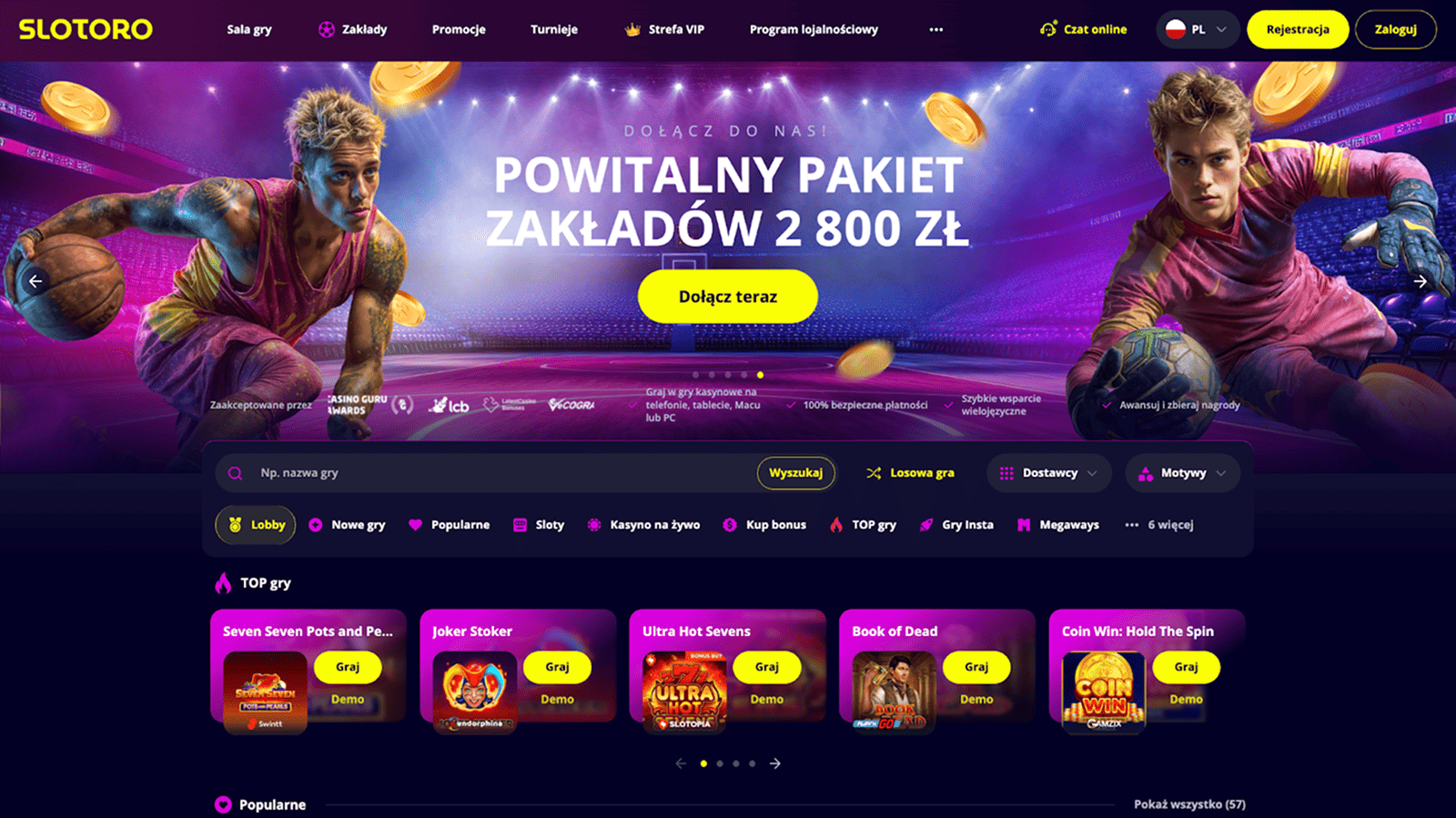
Managing account security and remaining aware about every update requires properly configured notification settings. For players logging into Slotoro Casino, these preferences represent a critical control centre that governs how and when account alerts arrive. They decide whether a player gets immediate warnings about login attempts, deposit confirmations, withdrawal updates, or promotional offers. A well‑tuned system functions as both a security layer and a convenience tool, guaranteeing no suspicious activity escapes attention while keeping in touch to the platform’s latest features. The login page functions as the gateway, but the notification preferences accessible after authentication define the ongoing communication relationship between the player and the casino.
Security Implications of Notification Configurations
Notification settings directly establish the security level of a Slotoro Casino account. Each turned-off security warning creates a gap that attackers could take advantage of undetected. The most secure setup retains all security‑related notifications active across at least two pathways, ensuring fallback if one delivery method does not work. Getting an unexpected alert requires urgent attention, as it often signals compromised credentials. On the other hand, a sudden absence of expected confirmations—such as deposit notifications—may indicate that an intruder has accessed the account and altered settings to hide activity. Periodically checking notification configurations and verifying that alerts still arrive forms a critical part of ongoing account protection.
Identifying Phishing Attempts Through Notification Awareness
A correctly set up notification system aids tell apart legitimate Slotoro Casino communications from phishing attempts. When email and SMS preferences are well understood, any message that varies from the expected format, sender address, or timing triggers instant doubt. Phishing emails often mimic transactional alerts to deceive recipients into clicking malicious links. Genuine casino notifications always use the player’s registered name and never ask for passwords or full payment card numbers. Double-checking any unexpected email against the on‑site message centre gives an extra verification layer, as authentic account alerts are visible in both locations simultaneously. Key markers of genuine communications include:
- Customised salutation with the registered name
- No demand for sensitive credentials such as passwords or full card numbers
- Same notification visible in the on‑site message centre
Two-Step Verification and Notification Integration
Two‑factor authentication at Slotoro Casino relies on notification channels to provide one‑time codes. Players can select SMS, email, or an authenticator app, and set up at least one backup method to prevent lockouts. If SMS functions as the primary channel, enabling push or email alerts gives a fallback should the phone network be unavailable. Authenticator apps give independence from connectivity, but even they should be combined with alerts that inform of any two‑factor authentication setting changes. This tiered method ensures continuous protection.
Tailoring Application and On-Site Notification Screens
While out-of-platform notifications get to players away from the platform, Slotoro Casino also maintains an internal notification system viewable only after login. This on-site centre collects account messages, bonus updates, and support replies into a single feed accessible from any page. A bell icon in the header indicates an unread count. Tailoring the feed involves choosing which categories appear and whether they trigger a visual badge. Players can choose a completely silent experience with no unread indicators, or retain every system message visible until dismissed. This flexibility allows creating an information environment that matches individual attention styles.
Handling Real-Time Game Notifications
During active gameplay, Slotoro Casino can display subtle overlay notifications about bonus round triggers, balance thresholds, or tournament leaderboard changes. These live alerts appear briefly at the screen edge before disappearing away. The notification settings page contains controls to enable or disable all game messages. Players who consider overlays distracting can suppress them; those seeking full awareness can retain them active. A balanced approach enables only the most impactful alerts, such as significant balance changes or jackpot contributions, offering useful information without breaking immersion. Settings function across all games without per-title configuration.
Message Centre Organisation and Archiving
The internal message centre stores a history of all internal notifications, forming a searchable archive for following bonus expiry dates, checking promotional terms, or retrieving support threads. Settings enable setting up auto‑archiving rules that move older messages out of the primary inbox view after a specified period. Messages can be marked read individually or in bulk, and important items can be pinned to the top for quick access. Maintaining the message centre clean decreases cognitive load and ensures new, relevant alerts are prominent. Periodic manual cleanup combined with sensible auto‑archive settings keeps a functional, efficient feed.
Overseeing SMS and Push Notification Alerts
Beyond email, Slotoro Casino delivers SMS messages and browser‑based push notifications. SMS alerts fit players who may not check email frequently but always have their phone within reach. These text messages encompass high‑priority security events and major account changes in a concise format. Push notifications display on the device screen even when the browser is in the background, providing the fastest delivery for time‑sensitive information. Both channels demand explicit opt‑in during setup or later in settings. Players should be aware of potential carrier charges for SMS, though the casino charges no extra fees.
Setting Up SMS Verification and Alerts
Activating SMS notifications starts with verifying a mobile number via a one‑time code. Once verified, the number can receive two‑factor authentication codes and critical alert messages. The SMS settings panel provides toggles for different alert types, though the selection is narrower than email due to higher cost and intrusiveness. Players can select to receive only the most urgent security alerts—login attempts from new locations and withdrawal processing updates—while saving less critical updates for email. Keeping these SMS alerts active secures immediate attention even when not browsing the casino site.
Browser Push Notification Configuration

Browser push notifications provide a lightweight alternative without sharing a phone number. On first login, the browser may prompt for permission; granting it adds the casino to the device’s notification centre. The push settings in the account dashboard determine which events trigger a browser alert—live chat responses, bonus availability, or tournament reminders. Notifications can display even when the casino tab is closed, as long as the browser runs. Players using multiple browsers must adjust permissions separately for each, as settings are browser‑specific. Disabling push is straightforward via casino settings or the browser’s site permissions menu.
Configuring Email Notification Settings
Email stays the most thorough notification channel, providing comprehensive information that other formats are unable to match. The email preferences panel lets players to subscribe to or cancel separate message categories without impacting other channels. Security‑related emails—password change confirmations, new device login alerts—are compulsory and cannot be deactivated, as they form a core protection framework. Transactional emails for deposits, withdrawals, and bonus credits can be switched according to record‑keeping needs. Marketing emails with promotions, tournament invitations, and game announcements are completely optional and controlled independently. Players should provide an email address they access regularly, since critical account recovery instructions are sent exclusively through this channel.
Security Notification Emails
Security alert emails represent the non‑negotiable layer of account protection at Slotoro Casino. They are activated automatically by events such as login attempts from unknown devices, password modifications, email address changes, and adjustments to two‑factor authentication settings. Each email contains a timestamp, the action performed, and the IP address or approximate location. If a player encounters an alert for an unauthorised action, the message offers immediate instructions to secure the account—typically resetting the password and contacting support. Delivery is optimized to flag any suspicious access within seconds, giving the legitimate holder maximum time to react. Because these alerts can’t be disabled, they form an always‑on safety net that protects even when the player is offline.
Promo and Bonus Notification Emails
Promotional emails from Slotoro Casino provide information about time‑limited bonuses, loyalty program upgrades, seasonal campaigns, and new game launches. These messages are entirely optional and can be customized to suit personal preferences. Players who prefer staying informed may subscribe to all offers, while those who choose minimal inbox activity can deactivate the category completely without affecting transactional or security messages. The casino maintains a considerate sending cadence. It is essential to remember that turning off promotional emails does not affect critical security or transaction notifications. Options that can be individually enabled include:
- Deposit match offers exceeding a certain percentage
- Exclusive loyalty tier rewards
Accessing Notification Settings After Slotoro Casino Login
When successfully logged in, the account dashboard becomes the central hub for all adjustments. Notification settings are commonly found in the profile or account management section, marked by a gear icon or plainly labelled. Going here displays a comprehensive panel where communication preferences can be modified across channels. Players should log in from a secure connection before adjusting these sensitive parameters, as they immediately impact security alerts. The interface is straightforward, showing clear toggles and dropdowns that require no technical expertise. Checking these options immediately after first login prevents missed security alerts and unwanted marketing later.
Navigating the Account Dashboard
The account dashboard at Slotoro Casino features a structured layout with logically grouped settings. After authentication, the main navigation panel gives links to personal details, payment methods, bonus history, and notification preferences. Clicking the notification section launches a dedicated page holding channel‑specific settings. It also shows a summary of recent alerts, aiding players gauge whether current settings provide appropriate volume and content. New players commence with a standard profile that mixes security alerts and promotions, but adjustment is strongly advised to align with communication habits and security expectations.
Phone Versus Desktop Notification Access
Getting to notification settings functions identically across devices, though the visual presentation adapts to screen size. On mobile, the settings menu may compress into a hamburger icon, needing an extra tap to display the full navigation. The toggles remain identical, but mobile users must also review device‑level notification permissions, as browser alerts require OS approval. Desktop users benefit from a wider layout that displays all options simultaneously, allowing bulk adjustments faster. Changes sync instantly across all platforms where the account is logged in, so a preference configured on a laptop stays active when checking via smartphone later.
Adjusting Notification Settings for Responsible Gaming
Notification settings can promote healthy playing habits when configured thoughtfully. Slotoro Casino permits setting deposit limit alerts, session duration reminders, and reality check notifications that appear after a predetermined period of continuous play. These responsible gaming messages operate independently from marketing communications. Enabling them creates soft interruptions that periodically appear on screen, encouraging the player to assess their session. Players can adjust these alerts to their personal limits, picking from a range of responsible gaming tools intended to maintain control.
- Deposit limit alerts: inform when approaching daily, weekly, or monthly deposit thresholds
- Session duration reminders: flash after a set number of continuous minutes to encourage a break
- Reality check pop‑ups: show account balance and elapsed time at custom intervals
- Loss limit notifications: notify when net losses hit a pre‑defined cap
- Cool‑off period prompts: suggest a temporary self‑exclusion if consecutive losses mount
Adjusting these alerts converts the notification centre into a personal safeguard, supporting balanced play. Slotoro Casino guarantees that responsible gaming messages are clearly distinguishable from marketing content, using distinct icons and wording. Players can change frequencies, disable non‑critical nudges, and review their settings anytime from the same dashboard they use for other notification preferences. By taking a few minutes to activate relevant responsible gaming notifications, each player builds an automated accountability partner that operates in the background, supporting healthy habits without disrupting the entertainment experience.